> ## Documentation Index
> Fetch the complete documentation index at: https://docs.aichanakya.in/llms.txt
> Use this file to discover all available pages before exploring further.
# Maintenance Mode
> What students, teachers, and administrators should expect before, during, and after scheduled platform maintenance.
# Maintenance Mode
Chanakya AI may occasionally be unavailable while updates, fixes, or platform improvements are deployed. During maintenance, access can be temporarily restricted while stored data remains protected.
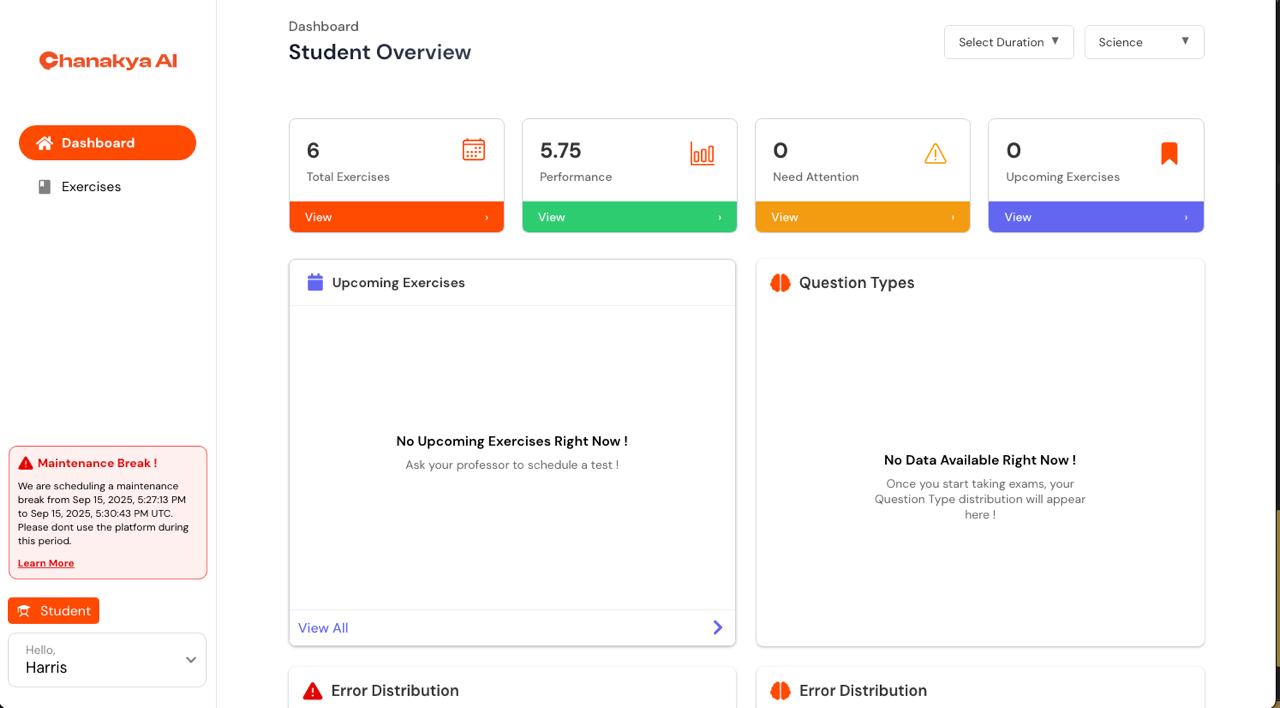
Maintenance mode
## Before maintenance
A warning banner can show the planned start and end times, generally in UTC. The platform continues to work normally until the maintenance window begins.
Students should submit work in progress, download any materials they will need, convert the published UTC window into local time, and plan offline study where needed.
Teachers should notify students, review deadlines that overlap the maintenance window, download important reports or materials, and prepare alternative activities if required.
## During maintenance
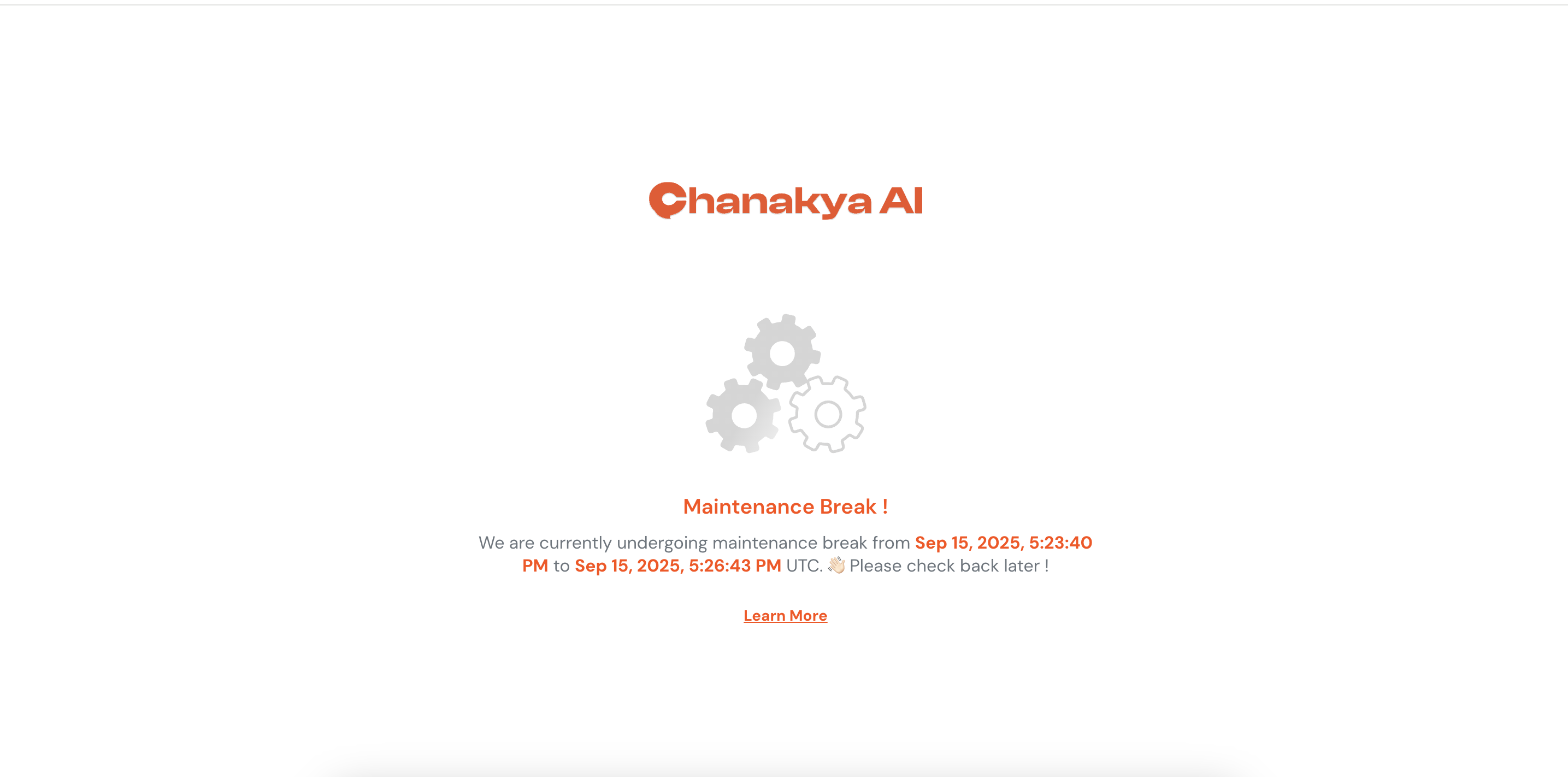
During the maintenance window, the normal application can be replaced with a maintenance screen. Users will not be able to use normal platform features until service is restored.
Maintenance can include routine updates, emergency fixes, or larger feature releases. The length of the window depends on the work being performed.
## After maintenance
When service is restored, users can return to their dashboard and continue normal activity. Existing assignments, submissions, grades, feedback, progress, communications, and personal settings should remain available.
Platform restored after maintenance
## If maintenance affects an assessment or deadline
Students should contact their teacher if an assessment was interrupted or a submission deadline was affected. Teachers can review the situation and provide an appropriate extension, restored session, or alternative where necessary.
## UTC timing
Maintenance windows are communicated in UTC. For example, 02:00 UTC corresponds to 07:30 in India when India is on UTC+5:30.
## Troubleshooting after maintenance
If the platform is still unavailable after the stated window:
1. Check the internet connection.
2. Refresh the page.
3. Try another supported browser or device.
4. Allow a short period for all services to restart.
5. Contact the appropriate teacher, school office, or technical support contact if access is still unavailable.
If work appears to be missing, check for saved drafts and contact the relevant teacher or support contact with details of what happened.
## Source documentation
This page was migrated from `maintenance-mode.md` in the NeuroBridge GitBook documentation repository.
## Related topics
- [Content Creation](/teacher-guide/content-creation/overview.md)
- [Welcome](/index.md)
- [Teacher Guide](/teacher-guide/overview.md)