> ## Documentation Index
> Fetch the complete documentation index at: https://docs.aichanakya.in/llms.txt
> Use this file to discover all available pages before exploring further.
# Account, Security & Support
> Update account security, send feedback, get help, and sign out safely.
# Account, security, and support
Open the profile menu at the bottom of the desktop sidebar.
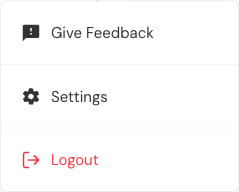 ## Give feedback
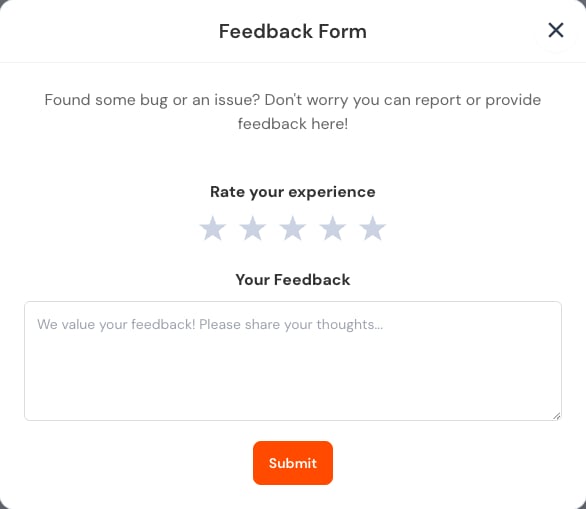 Describe what you expected, what happened, and which screen or assessment was involved. Do not paste passwords, complete learner records, or answer sheets into feedback.
## Change your password
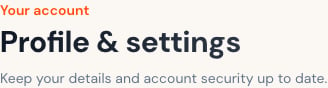
Open **Settings → Security**.
Describe what you expected, what happened, and which screen or assessment was involved. Do not paste passwords, complete learner records, or answer sheets into feedback.
## Change your password
Open **Settings → Security**.
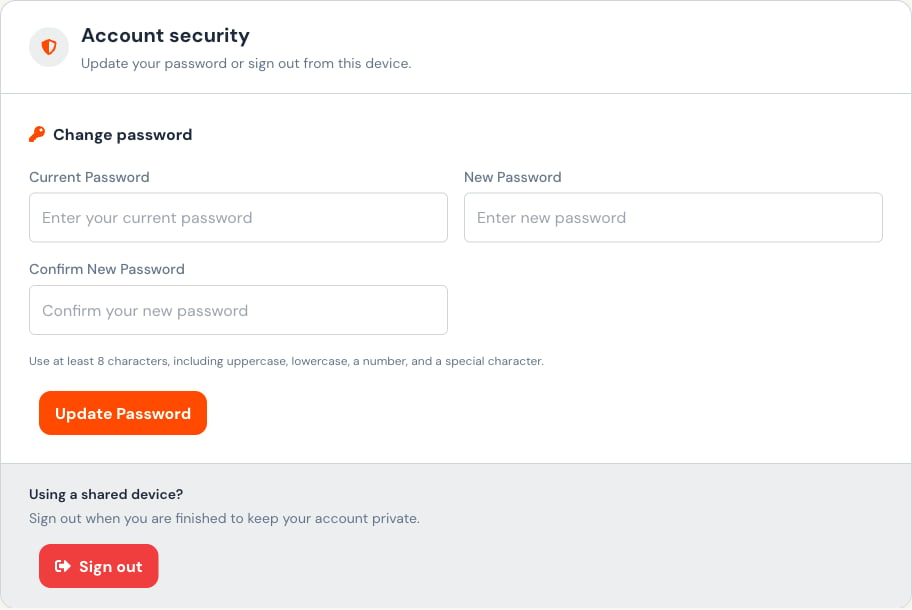 Use at least eight characters with uppercase and lowercase letters, a number, and a special character. Never reuse a shared or demonstration password for a personal account.
## Sign out
Use **Logout** or **Sign out**, especially on a shared device. Closing the browser tab is not a substitute for signing out.
Open **Help** from the primary navigation for institution-provided assistance. Include the assessment name and approximate time of the issue, but exclude sensitive learner data unless support specifically requests it through an approved channel.
## Related topics
- [Account & Security](/student-guide/account-and-security.md)
- [Support & Account](/admin-guide/support-and-account.md)
- [Student Guide](/student-guide/overview.md)
- [Administrator Guide](/admin-guide/overview.md)
- [Maintenance Mode](/maintenance-mode.md)
Use at least eight characters with uppercase and lowercase letters, a number, and a special character. Never reuse a shared or demonstration password for a personal account.
## Sign out
Use **Logout** or **Sign out**, especially on a shared device. Closing the browser tab is not a substitute for signing out.
Open **Help** from the primary navigation for institution-provided assistance. Include the assessment name and approximate time of the issue, but exclude sensitive learner data unless support specifically requests it through an approved channel.
## Related topics
- [Account & Security](/student-guide/account-and-security.md)
- [Support & Account](/admin-guide/support-and-account.md)
- [Student Guide](/student-guide/overview.md)
- [Administrator Guide](/admin-guide/overview.md)
- [Maintenance Mode](/maintenance-mode.md)