> ## Documentation Index
> Fetch the complete documentation index at: https://docs.aichanakya.in/llms.txt
> Use this file to discover all available pages before exploring further.
# Class Analysis
> Use Overview, Questions, and Students views to verify evidence and plan the next lesson.
# Class analysis
Select **Class analysis** on an eligible graded or published assessment.
 * **Reanalyze** refreshes generated insights from the available results. Use it after the underlying data changes.
* **Export report** downloads the analysis for authorized use.
* Switch among **Overview**, **Questions**, and **Students** without leaving the assessment.
* **Reanalyze** refreshes generated insights from the available results. Use it after the underlying data changes.
* **Export report** downloads the analysis for authorized use.
* Switch among **Overview**, **Questions**, and **Students** without leaving the assessment.
 ## Overview: read the class story
The overview combines performance, participation, attempt rate, average time, a teacher brief, score distribution, question-type performance, marks-lost categories, key insights, and next-exercise guidance.
Use the teacher brief and recommended focus to form a hypothesis, not a final judgment. Check the question evidence next.
## Questions: verify the cause
## Overview: read the class story
The overview combines performance, participation, attempt rate, average time, a teacher brief, score distribution, question-type performance, marks-lost categories, key insights, and next-exercise guidance.
Use the teacher brief and recommended focus to form a hypothesis, not a final judgment. Check the question evidence next.
## Questions: verify the cause
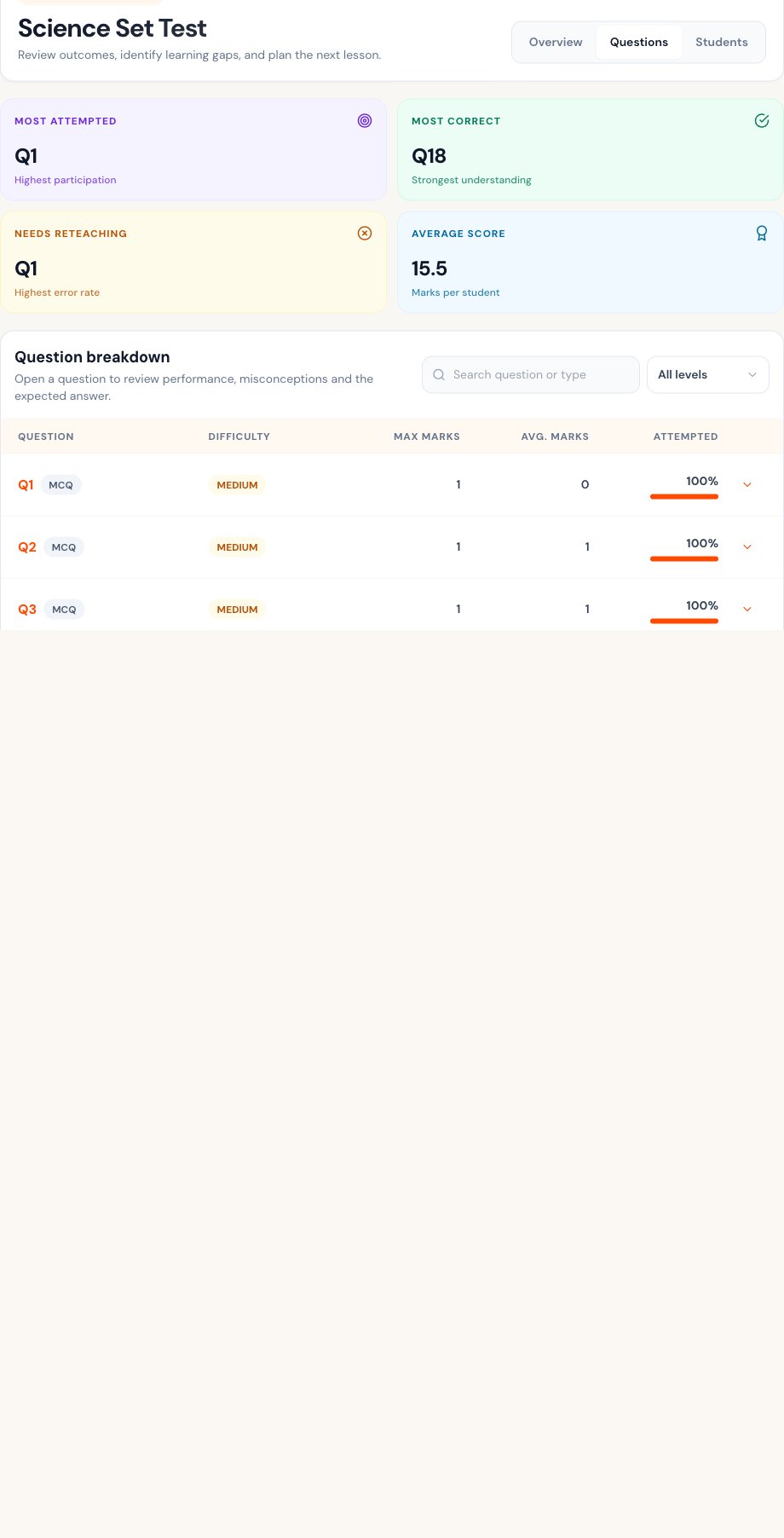
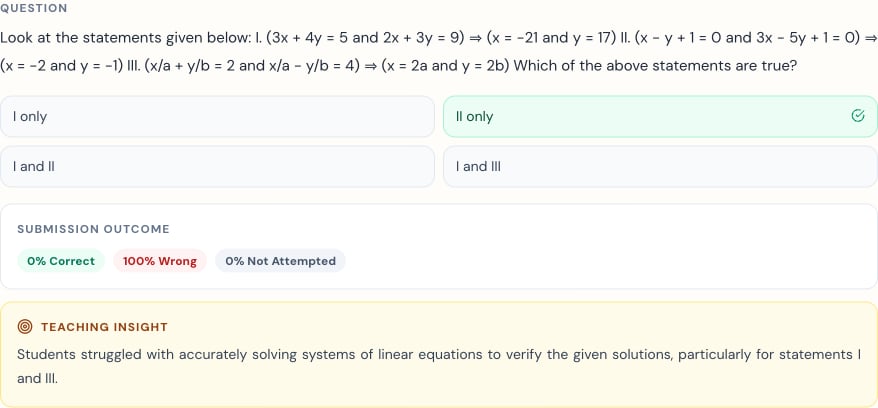
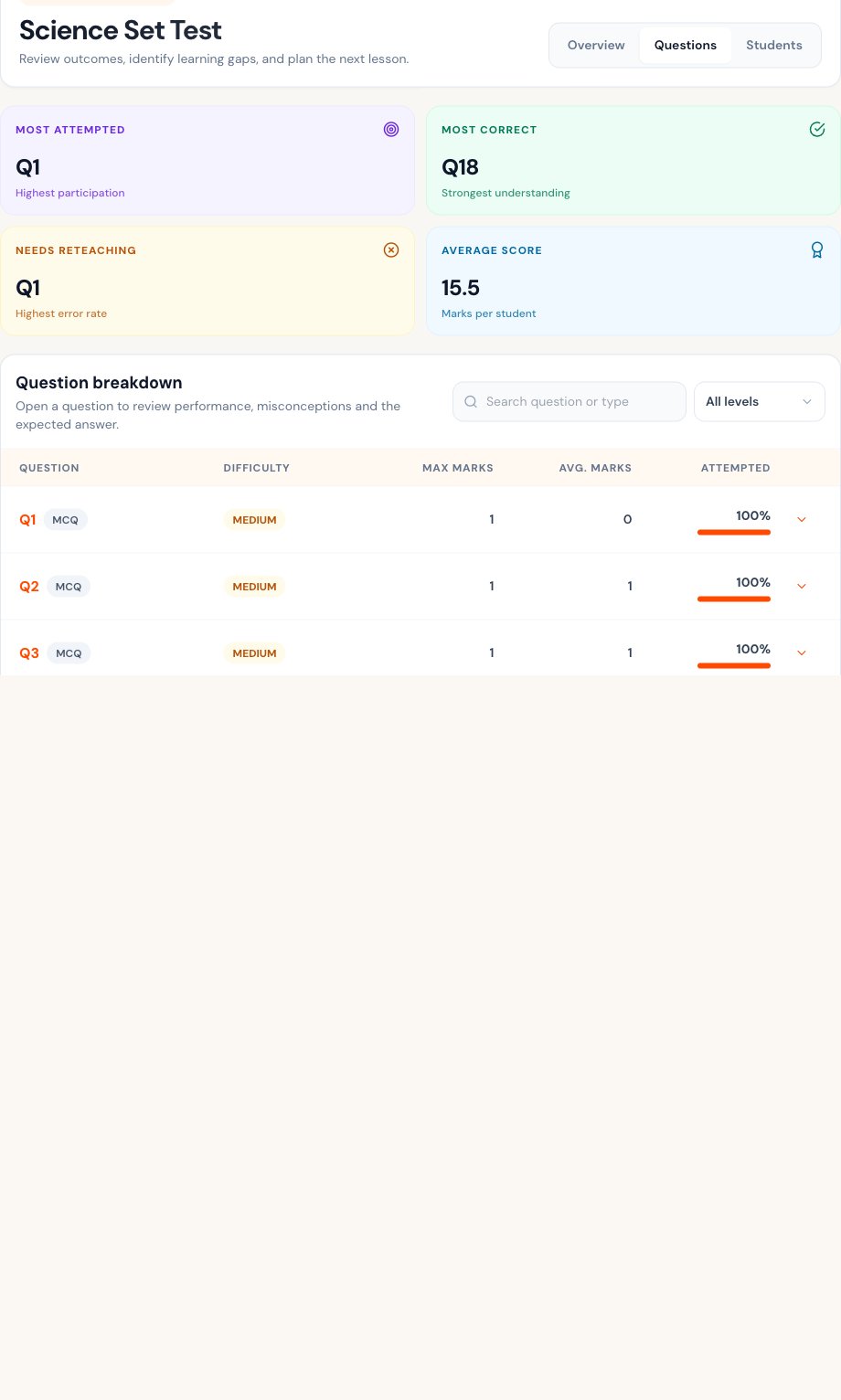 Open a question to compare the prompt, expected answer, submission outcome, and teaching insight.
 ## Students: choose follow-up
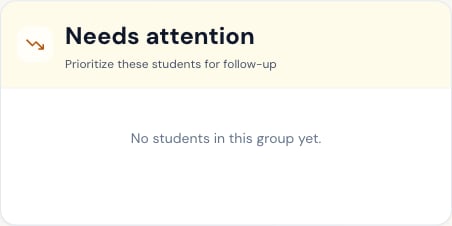
The Students view separates strong performers and learners needing attention, then provides search and performance filters.
## Students: choose follow-up
The Students view separates strong performers and learners needing attention, then provides search and performance filters.
 Open individual analysis only when needed. Do not infer a learner’s ability from one score; include the response, attempt pattern, and prior evidence.
Analysis can be unavailable when the assessment ID is incomplete, submissions are not graded, or there is insufficient data. Return to the Tests list and open **Class analysis** from the correct row.
## Related topics
- [Export Options](/teacher-guide/content-creation/export-options.md)
- [Class Performance Overview](/teacher-guide/student-analytics/class-performance-overview.md)
- [Test List & Status](/teacher-guide/exercise-management/exercise-list-and-status.md)
- [Homework Management](/teacher-guide/exercise-management/homework-management.md)
- [Teacher Guide](/teacher-guide/overview.md)
Open individual analysis only when needed. Do not infer a learner’s ability from one score; include the response, attempt pattern, and prior evidence.
Analysis can be unavailable when the assessment ID is incomplete, submissions are not graded, or there is insufficient data. Return to the Tests list and open **Class analysis** from the correct row.
## Related topics
- [Export Options](/teacher-guide/content-creation/export-options.md)
- [Class Performance Overview](/teacher-guide/student-analytics/class-performance-overview.md)
- [Test List & Status](/teacher-guide/exercise-management/exercise-list-and-status.md)
- [Homework Management](/teacher-guide/exercise-management/homework-management.md)
- [Teacher Guide](/teacher-guide/overview.md)