
Student first steps
Your Student area helps you see what to do today, complete work, and learn from results your teacher has shared.
1. Sign in
Enter the user ID supplied by your school and your password, then select Login.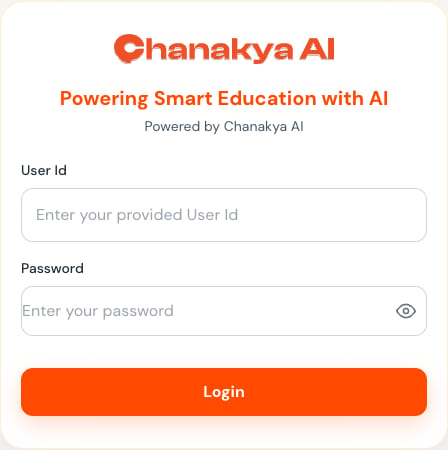
2. Check your dashboard
Start with:- Overall progress.
- Tests completed.
- Average score.
- Upcoming tests and homework.
- The Today timeline and suggested study action.
3. Open the correct assignment
Open Tests or Homework, then confirm:- The title and subject.
- Start time and deadline.
- Question count and total marks.
- Instructions.
- Whether you are starting, continuing, or reviewing an attempt.
4. Complete and review every response
The paper may contain typed answers, selected choices, or uploaded handwritten work. For uploaded work:- Use bright, even lighting.
- Keep the whole answer inside the image.
- Avoid blur, shadows, and rotated pages.
- Preview every page after upload.
5. Submit safely
Visit every question, verify attachments, and select the final submit action once. Keep the page open until Chanakya AI confirms the attempt has ended or the status has changed.6. Learn from the result
A submitted test may still need marking and teacher review before you can see the result.
What to read next
Student dashboard
Understand progress and today’s priorities.
Access assigned work
Check availability and start the correct attempt.
Submit answers
Review typed and uploaded work before final submission.
Review results
Turn marks and feedback into a study plan.