
Administrator guide
Administrators manage the school setup and access that teachers and students use. Use the Admin area to check available accounts, manage people and classes, check tests, and confirm important changes.
Your workspace
The main menu contains Dashboard, Tests, Homework, Students, Teachers, Sections, and Help. What you see can depend on your school’s plan and your access.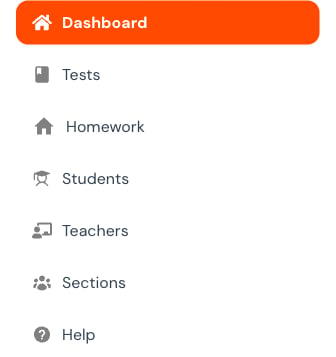
Dashboard and licenses
Check the active plan, school totals, limits, and available accounts.
Students and teachers
Search before creating, verify identity, maintain access, and avoid duplicate accounts.
Sections and activity
Manage class lists and check recent changes.
Assessment oversight
Filter tests and homework, review status, recover deleted work, and control permanent deletion.
Admin responsibility map
High-impact actions
Password resets, account deletion, section deletion, and permanent assessment deletion can affect another person’s access or history. Before using one:- Confirm the exact target.
- Check whether active work or reports could be affected.
- Use the smallest change that solves the problem.
- Save once.
- Reopen the record and review activity.