Account, security, and support

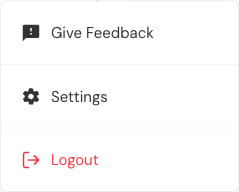
Open the profile menu at the bottom of the desktop sidebar. Teacher account menu with Give Feedback, Settings, and Logout.
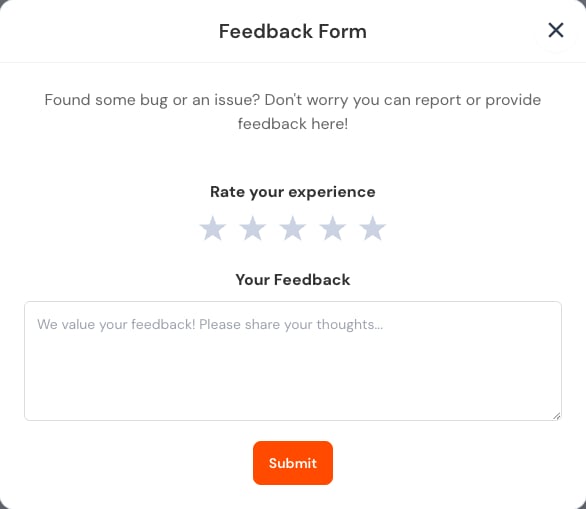
Give feedback

Feedback form with experience rating, feedback field, and Submit action. Describe what you expected, what happened, and which screen or assessment was involved. Do not paste passwords, complete learner records, or answer sheets into feedback.

Change your password

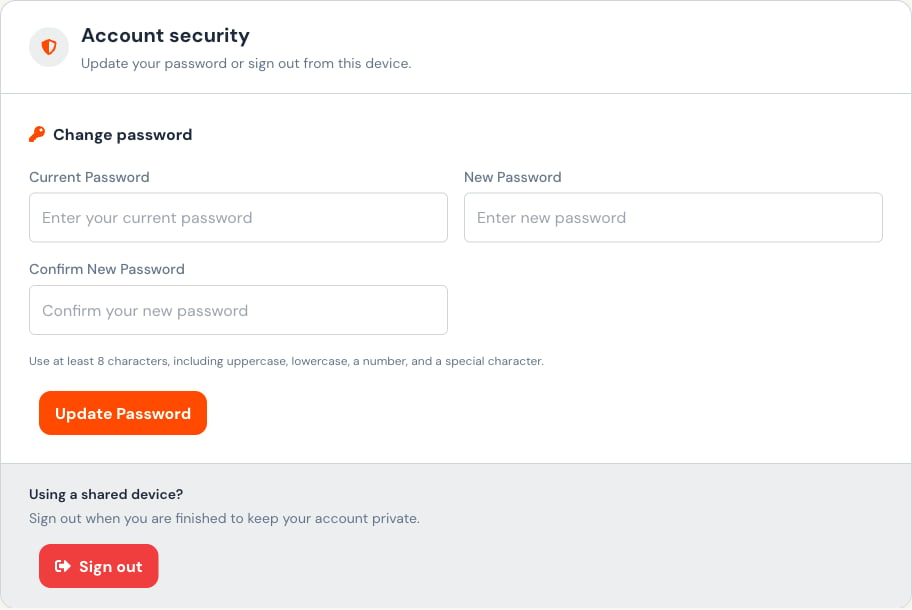
Open Settings → Security. Profile and settings header for account details and security. Account security form for changing a password and signing out. Use at least eight characters with uppercase and lowercase letters, a number, and a special character. Never reuse a shared or demonstration password for a personal account.
Sign out

Use Logout or Sign out, especially on a shared device. Closing the browser tab is not a substitute for signing out.

Help

Open Help from the primary navigation for institution-provided assistance. Include the assessment name and approximate time of the issue, but exclude sensitive learner data unless support specifically requests it through an approved channel.
Last modified on July 29, 2026