
Student dashboard
The dashboard is your starting point after sign-in. It turns your recent activity into a short plan for what to do next.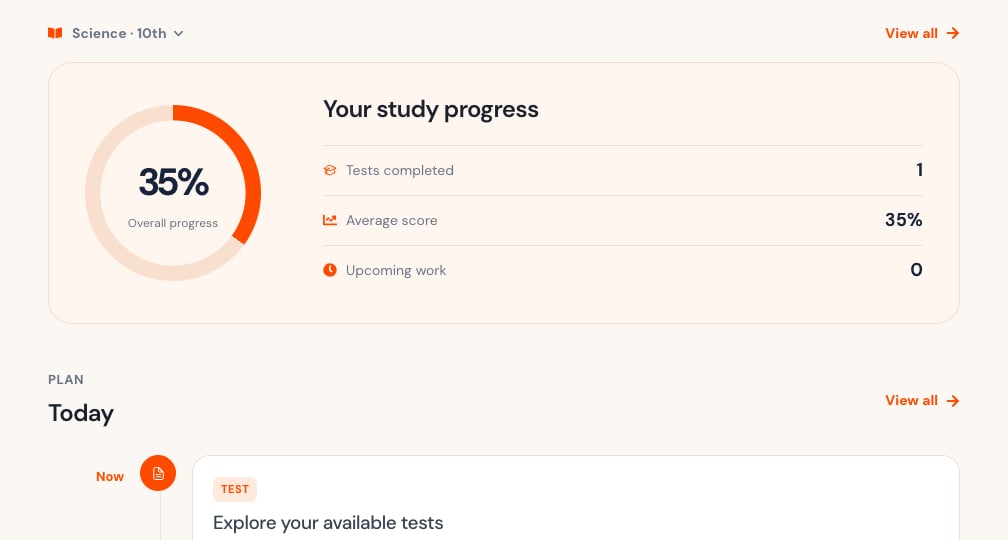
Choose a subject
Use Choose a subject to select a class and subject. It can show both, such as Science · 10th. Select View all to see every subject again.Read your progress
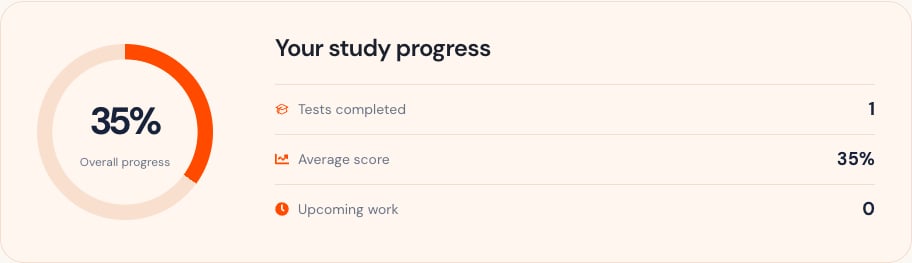
The progress panel summarizes:- Overall progress percentage.
- Tests completed.
- Average score.
- Upcoming tests and homework.
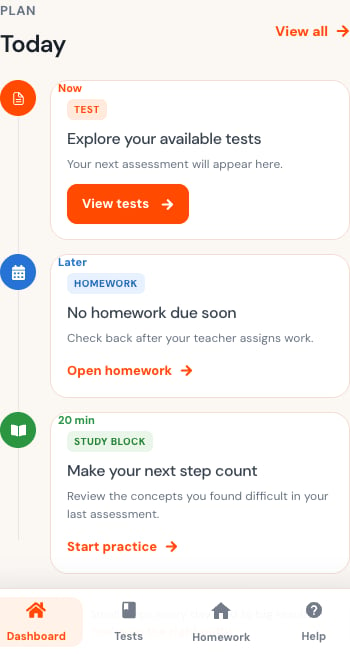
Use the Today timeline
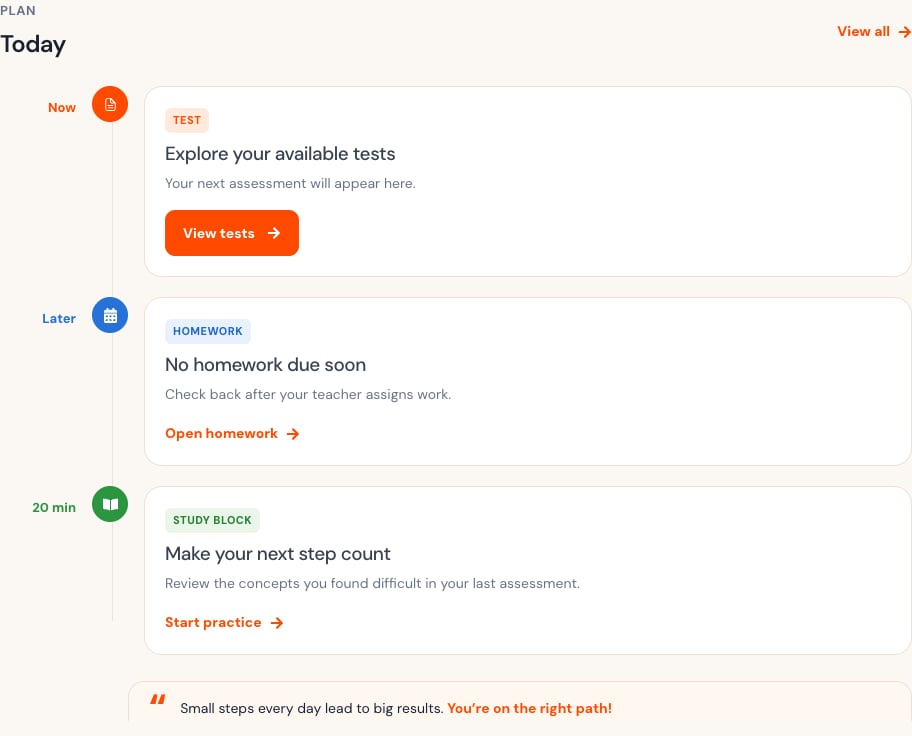
The timeline prioritizes:- The next test.
- Upcoming homework.
- A short study action based on current performance.
Use the dashboard on a phone
On a phone, the progress and Today cards appear one below another. Use the bottom navigation for Dashboard, Tests, Homework, and Help. Use the top menu for your account options.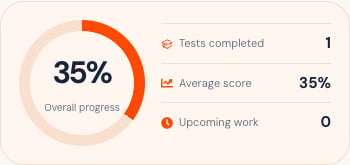
If the dashboard cannot refresh, your previous submissions remain safe. Check your connection, then select Try again.