
Support and account controls
The Admin profile menu provides Activity Logs, Give Feedback, and Logout.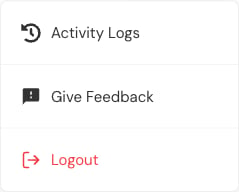
Give feedback
Select Give Feedback, choose a rating, and describe the issue or suggestion.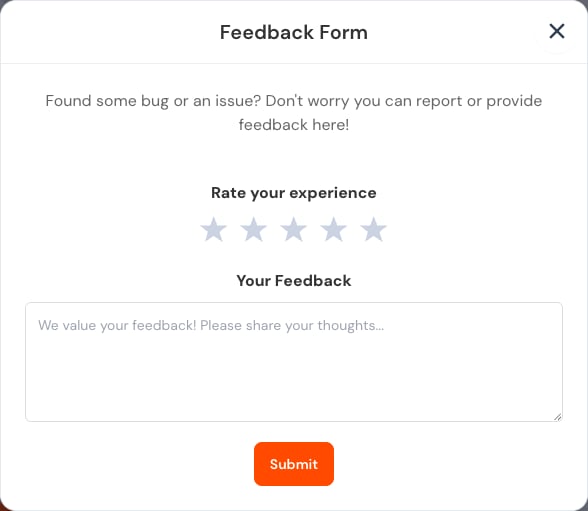
- The page and action.
- The approximate time.
- What you expected.
- What appeared instead.
- Whether the issue persists after refresh or sign-in.
Help
Select Help in the main menu to open the Administrator guide. If it opens in a new tab, return to the app when you finish.Account security
Use a unique password and do not share an Admin session. On a shared device:- Do not save the password in the browser.
- Select Logout when finished.
- Close the browser.
- Change the password if someone else may know it.