Oversee tests and homework
Admins can see school tests and homework. Open Tests or Homework to search by title, class, section, subject, type, or status.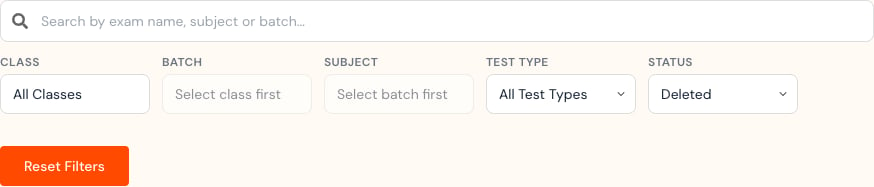

Understand the default deleted view
The Admin Test and Homework pages can open with the Deleted status filter selected. Change Status to All Status when you need to review active work. An empty deleted view means no deleted items match your search. It does not mean the school has no homework.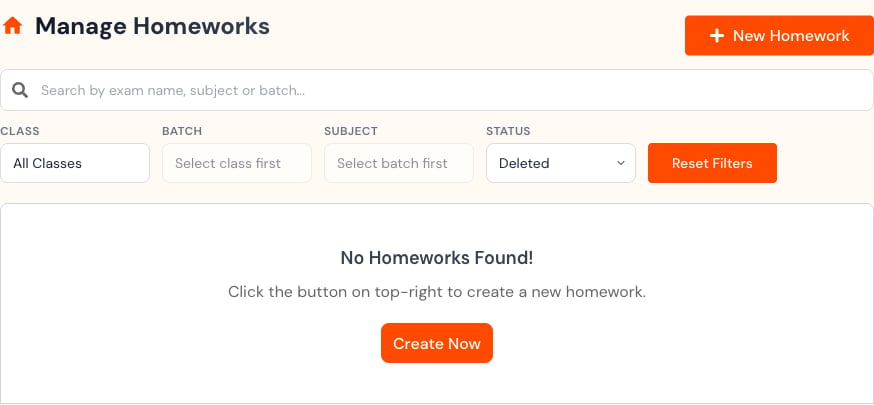
Recover or permanently delete
Deleted Tests can expose both Recover and Permanently delete actions.

- The exact assessment.
- Its owner, class, and subject.
- Submission count and grading state.
- Report or record-keeping needs.
- Permission to remove it permanently.
Create homework
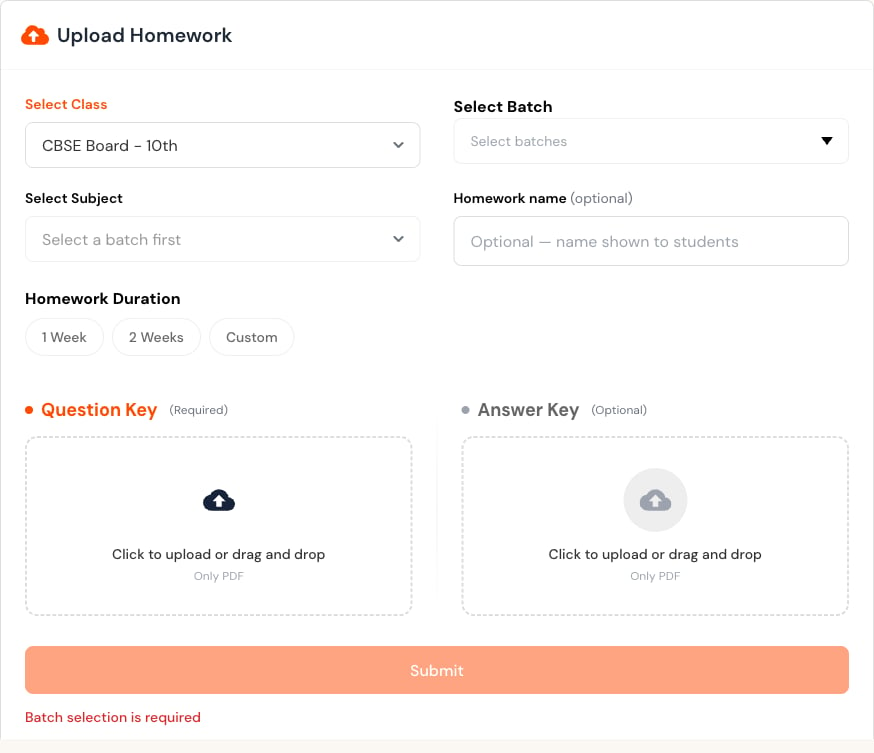
When enabled, select New Homework, choose class, section, and subject, set the duration, and upload the required question-key PDF. An answer-key PDF is optional.