
Review activity logs
Open the profile menu and select Activity Logs.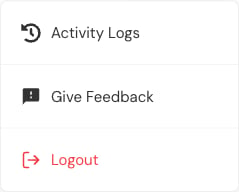


Investigate an event
- Note the approximate time and what was reported.
- Search the affected account, section, or assessment.
- Confirm the actor and role.
- Read the event description.
- Compare the timestamp with the report.
- Open the current record and verify its state.
Interpret carefully
- An event shows an action, not always the final result.
- Several related events can belong to one set of steps.
- A password event should not reveal the password.
- A content-processing event can be followed by another status event.
- The time shown uses the app’s selected region and time zone.