Preview and validate

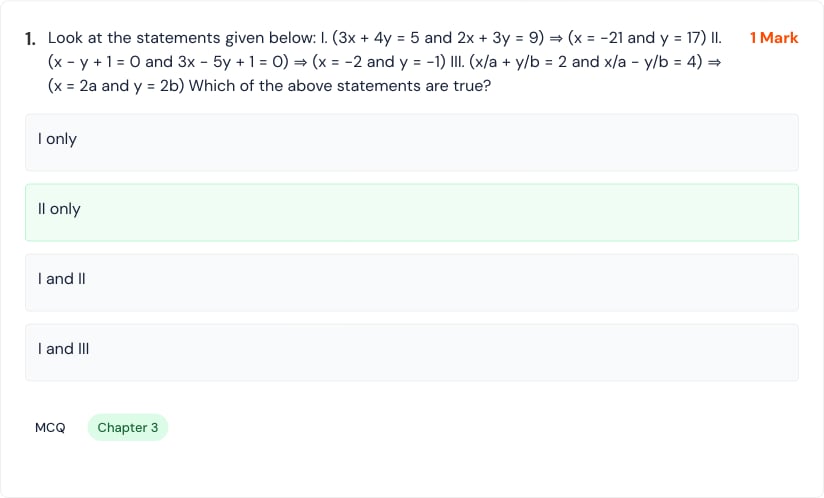
From the Tests list, select Preview. Weekly Test Preview header with Back and Options actions. Test preview summary showing name, total questions, subject, total marks, and status. First confirm that the summary matches the intended assessment. Then inspect every section and question. Preview of a multiple-choice question with marks, options, type, and chapter. Check:
  • section labels, total marks, and required attempts;
  • question text, mathematical notation, diagrams, and ordering;
  • option completeness and the correct option;
  • question type, chapter, difficulty, and marks;
  • answer-key explanations for factual or calculation errors.

Preview options
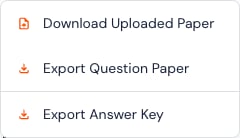
Preview Options menu for downloading the uploaded paper, exporting the question paper, and exporting the answer key. The available options can include the uploaded source, question-paper export, and answer-key export. Store answer keys separately and share them only with authorized staff.
Preview is the teacher’s quality gate. If anything is unclear or incorrect, edit or regenerate before learners start.
Last modified on July 29, 2026